
Custom Wire Designs
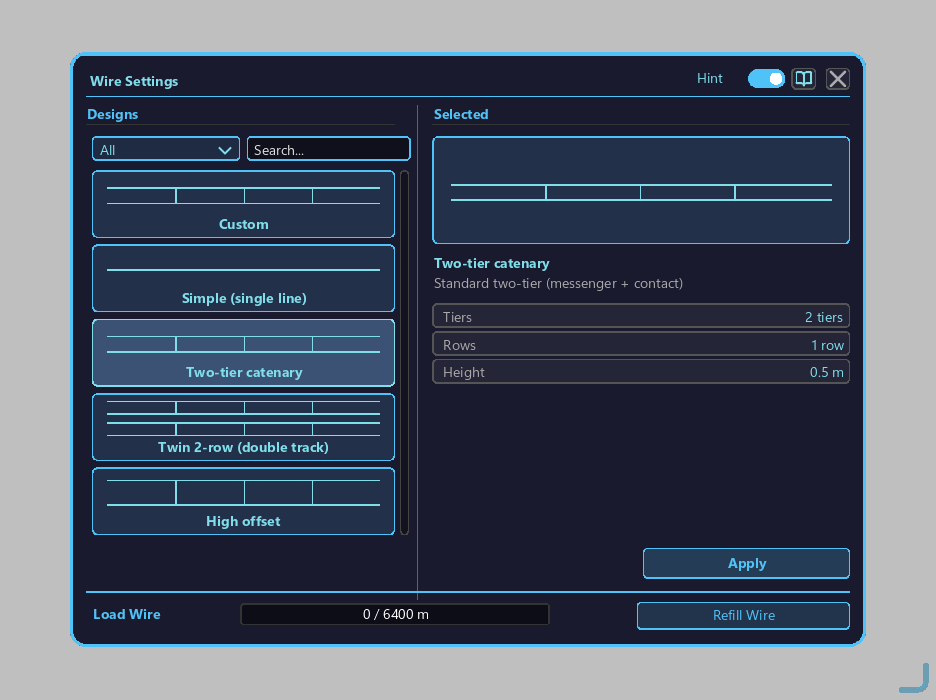
The free parameter tuning + preset save system used in the CUSTOM mode of the Wire Connector Tool.
How to open
- Hold the Wire Connector Tool and switch to GUI (design selection) mode with Alt+wheel.
- Right-click the tool to open the wire settings screen.
- Select CUSTOM from the design tiles in the left panel, and the right panel switches to the edit mode below.
Edit panel when CUSTOM is selected
Selecting the CUSTOM tile switches the right panel to edit mode, where you can adjust the following values with the mouse wheel:
| Parameter | Range | Step | Use |
|---|---|---|---|
| Thickness | 0.01 – 0.30 | 0.01 | Line width of the wire body (visual) |
| Vertical spacing | 0.00 – 2.00 m | 0.05 | Spacing between the catenary and trolley wire (0 = 1 tier, >0 = 2 tiers) |
| Dropper interval | 0.50 – 10.00 m | 0.25 | Interval of the vertical supports (droppers) |
| 2-row layout | OFF / ON | — | Wire pair placed side by side for double track |
Mouse wheel operation
Hover the cursor over each number box and:
- Wheel up: increase value
- Wheel down: decrease value
- Auto-clamps at min/max
Values are reflected in real time in the preview area of the right panel (the tile picture itself does not change).
Preset save
The "Save Preset" button is only active while editing CUSTOM.
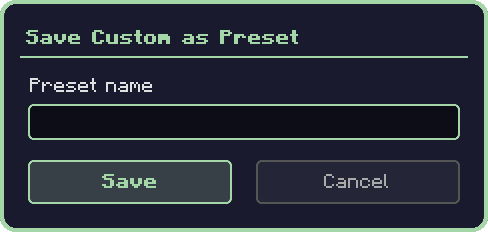
- Click the "Save Preset" button → the save dialog appears
- Enter a preset name (default:
PresetN) - Enter to save / Esc to cancel
After saving, the preset is added to the tile list (= design tiles) in the left panel and can be selected immediately.
Preset delete
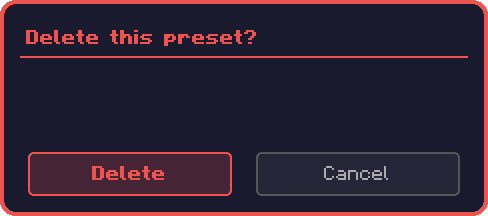
Right-click a preset tile → delete confirmation dialog.
How to use presets
- Left-click: apply the preset → the custom parameters are locked to the preset values (wheel disabled)
- Return to edit mode: select CUSTOM from the tile list
Relation to Sag mode
Sag mode is SIMPLE only and cannot be used with CUSTOM. Even a CUSTOM design set to 1 tier + a thin line does not sag (= straight line only).
Interaction with train presets
Sections laid with custom wire are not saved on the train preset side (= wire is a world-side entity). To lay the same-looking wire in another world, share the wire-connector preset JSON.
Related
- Wire / Wire Connector Tool — basic operation and built-in designs
- Pantograph
- Substation Cubicle
- FE Inverter