
Coupling / Decoupling
A mechanism that dynamically couples / splits two consists via schedule conditions.
Behavior
Before:
   Train A [▮▮▮▮]      [▮▮▮▮] Train B
                       ↑
                  arrive at the same station

Coupling:
   Train A [▮▮▮▮]──[▮▮▮▮] Train B
                ↑
            auto coupling

After (operates as one consist):
   [▮▮▮▮▮▮▮▮]
Constraints
- Up to 2 trains can be coupled
- Due to the Create MOD's car limit, a consist can be up to 32 cars
This is operated by a "Create schedule condition," not a key
There is no dedicated key or item for coupling / decoupling. It works just by adding a single "Couple / Decouple" wait condition to the Create train schedule. TSU adds this condition to Create's schedule editor.
- The condition added is just one kind: "Couple / Decouple".
- Within that condition, you choose the mode from "Couple" or "Decouple" (see below).
- The icon is shown as coupling = chain / decoupling = scissors.
Configuring the condition (choosing couple / decouple)
When you add this condition in the schedule editor, a scroll input (a field you set by hovering the value and using the mouse wheel) appears on the condition row.
| Field | Operation | Selectable values |
|---|---|---|
| Mode | Mouse wheel over the field | Couple / Decouple |
| Wait time | Mouse wheel over the field | 1 – 30 seconds (how long before the rear consist departs after decoupling; used in Decouple mode) |
Steps
To couple
- In each of the two consists' schedules, add a "Couple / Decouple" condition and set the mode to "Couple".
- Have both consists arrive at the same station (this condition automatically waits until the other arrives at the same station).
- Once both are present, they couple automatically and continue operating as one consist.
To decouple
- At the schedule point of the station where you want to decouple, add a "Couple / Decouple" condition and set the mode to "Decouple".
- If needed, adjust the wait time with the wheel.
- While stopped at that station, decoupling runs automatically.
Schedule edit GUI
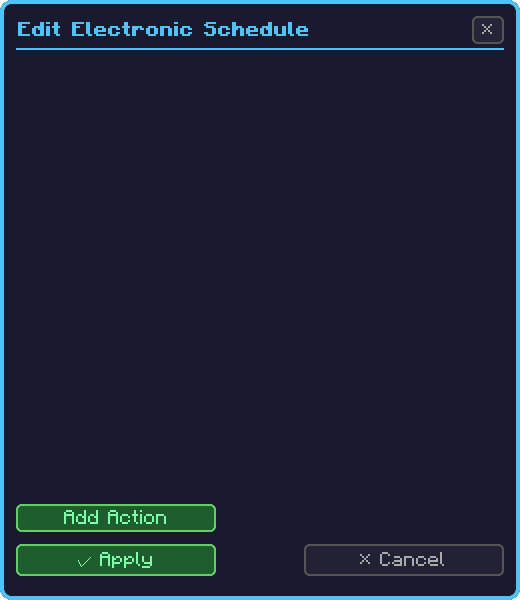
The condition can be added on Create's standard schedule screen. You can also select "Couple / Decouple" as the wait condition for each point from TSU's Management Computer > Schedule Tab > Schedule Editor, and set the mode (couple / decouple) with the wheel.
Interaction with electrification
A coupled consist is treated as a single electrification unit, a train pool:
- While coupled, it is electrified if either side has a pantograph
- The FE inverter buffer is shared across all cars
- On decoupling, it is distributed by each car's owned buffer amount (relative capacity ratio)